At the time I was looking for the setting, no, I was playing direct through USB.
The reason I was looking is that Audirvāna had skipped to the next track a couple of times after playing only part of the previous track, and toggling on that setting had been effective in preventing this behavior when it had occurred before (with UPnP). This occurred only with one recording on Qobuz, the new release of Midori playing the Schumann violin concerto.
Edit: This was with Linux Core 2.11.7 and the beta remote app. On Windows using the beta Studio app, it didn’t happen.
One other thought is that there is now so much explanatory text surrounding many of the settings in the beta remote app that it becomes a little difficult to search for what you want. I don’t know what the best solution to this would be. Mouseover would be distracting, clicking on an information icon might not be used. Perhaps contrasting colors or fonts between the settings and the explanatory text (for example, bold font for the settings)?
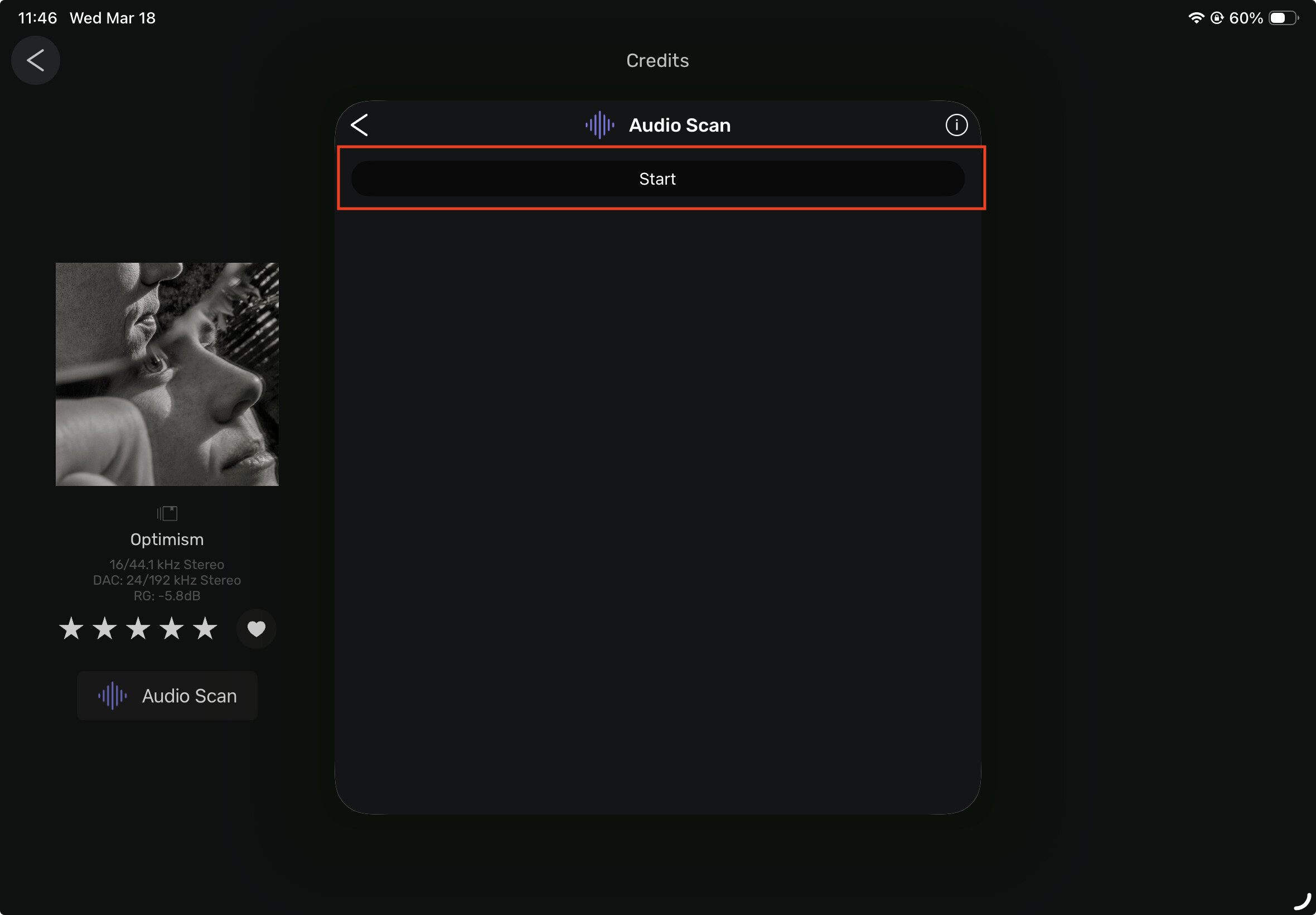
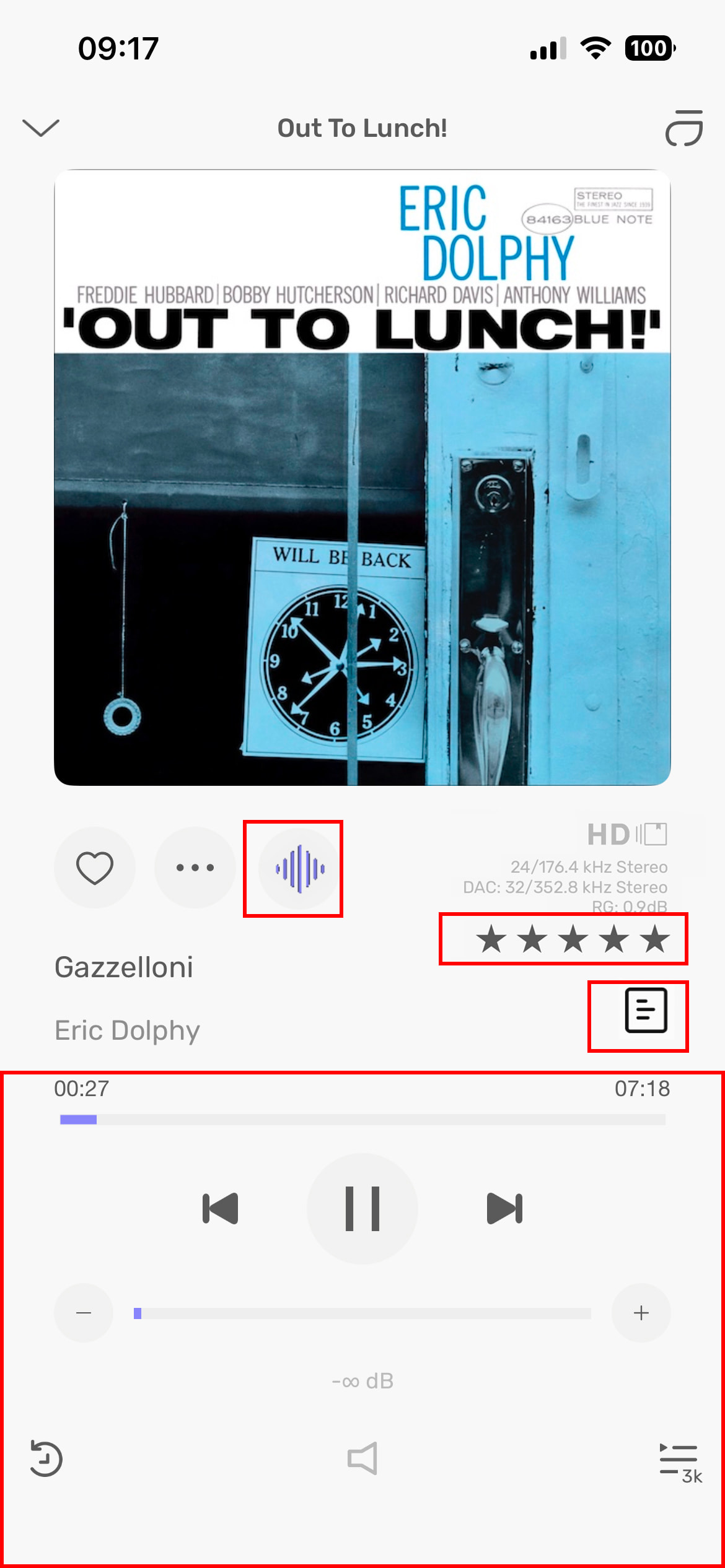
Seems like the Audio Scan function is not working on my iPad (os26.3.1). I tried to select “start” and nothing happens. I don’t use this feature via iPad, but I was going to compare the waveform display because there is now an anomaly with the ORIGIN’s view in the new update.
Like I mentioned, I don’t use Audio Scan on the iPad. I perform this function in the main program on my MacMini. Maybe after it’s been scanned already, this function is not available on iPad?? Don’t know.
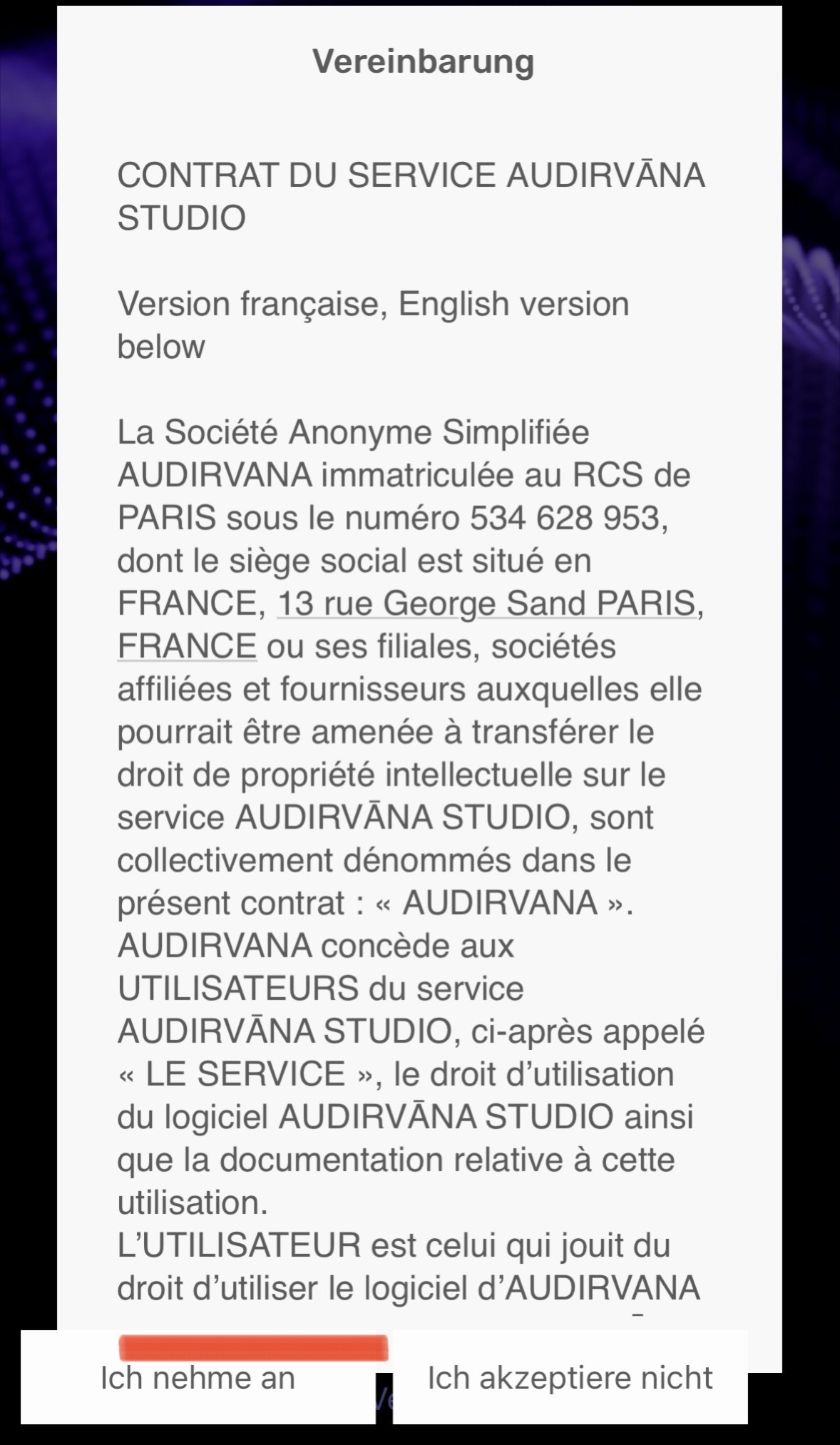
Weird behaviour upon re-installing the Beta Audirvana Remote on my iPhone: when it asks to accept/decline the software license, neither of the two buttons (accept/decline) are touch sensitive. In other words: the remote app can‘t be installed. Please correct soon.
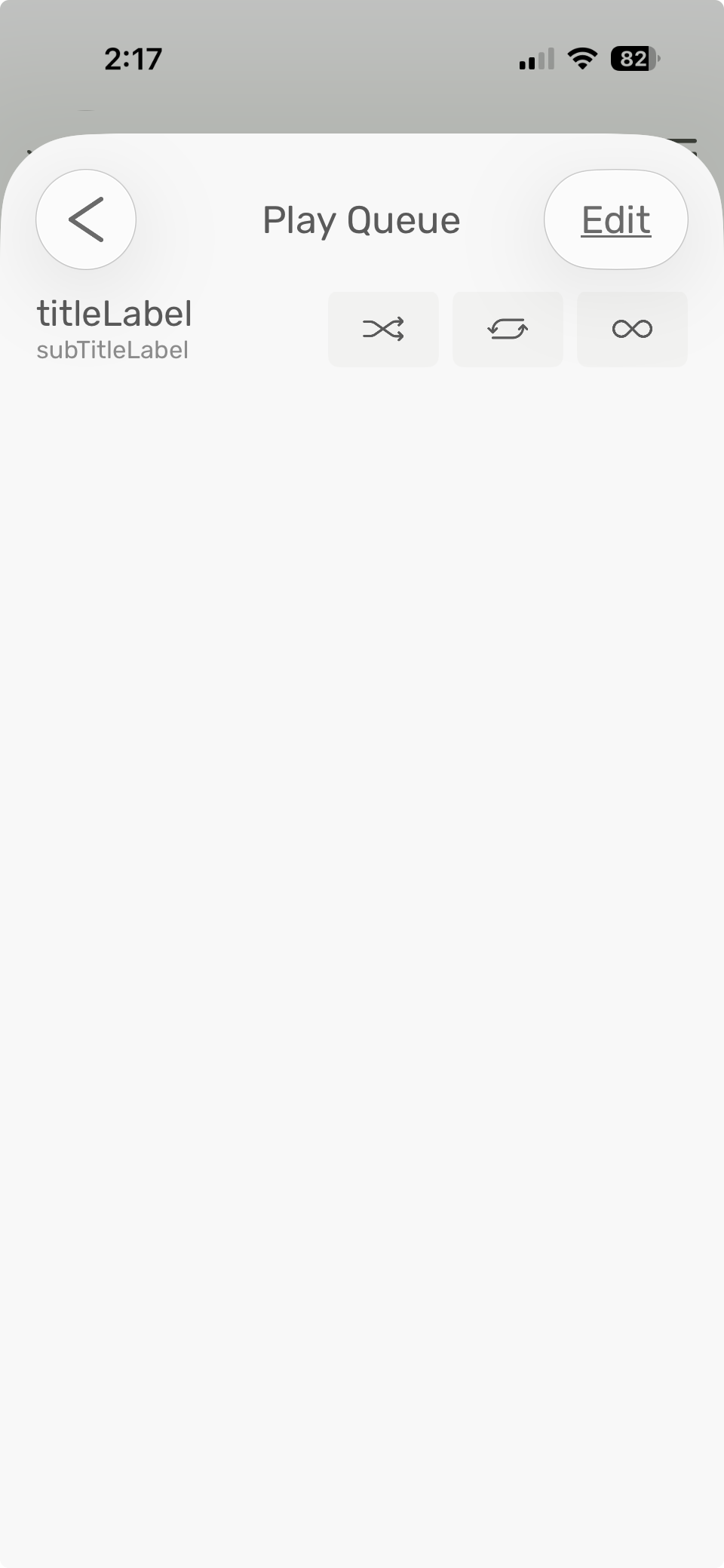
Can someone tell me if this happens often/ever when controlling the beta Linux app with the beta remote? I’m controlling the release app with the beta remote, and when I’m showing the page that appears when a track is playing, then tap the icon on lower right to bring up the play queue, this is what I see:
The play queue was shown correctly when I did this with the beta app and beta remote. However, in that situation I did get the strange behavior that playback always skipped to the second album track of one particular album, though I tried to play the initial track multiple times. (And the first track played correctly with beta remote and release version of the app.) I’ll check again as soon as I can.
Qobuz : Favoris sync en retard
Bonjour, je ne sais pas si c’est lié à la version beta mais depuis quelques temps la synchronisation entre les favioris de Qobuz et ceux d’Audirvana se fait en retard. Il faut souvent redémarrer Audirvana pour les mettre à jour.
I must have misremembered the first track (Eden) of the album Written into Changes by Avalon Emerson playing correctly with beta remote and app. Not only did it not do so when I tried again with beta remote and app, but I tried another player and the track would not play with it either. Once again not Audirvana’s fault.
@Antoine The Apple Store just uploaded the updates for the remotes a few hours ago. V3 and remotes 6 are working beautifully. I’ve been reasonably lucky with only minor issues during the Beta period.
Oui la nouvelle remote est bien plus réactive, par contre bonjour la place perdue dans l’ui en portrait, et en paysage c’est pire ! sur iPad, sur iPhone ça va encore
2026-03-25T23:00:00Z We unveiled the Audirvāna Studio 3.0 update, which came live after months of beta testing!
With this update comes version 6.0 of the Audirvāna Remote app!
You can now uninstall the beta version and TestFlight from your phone and head over to our App Store page to get the Audirvāna Remote with all the improvements you tested along the way:
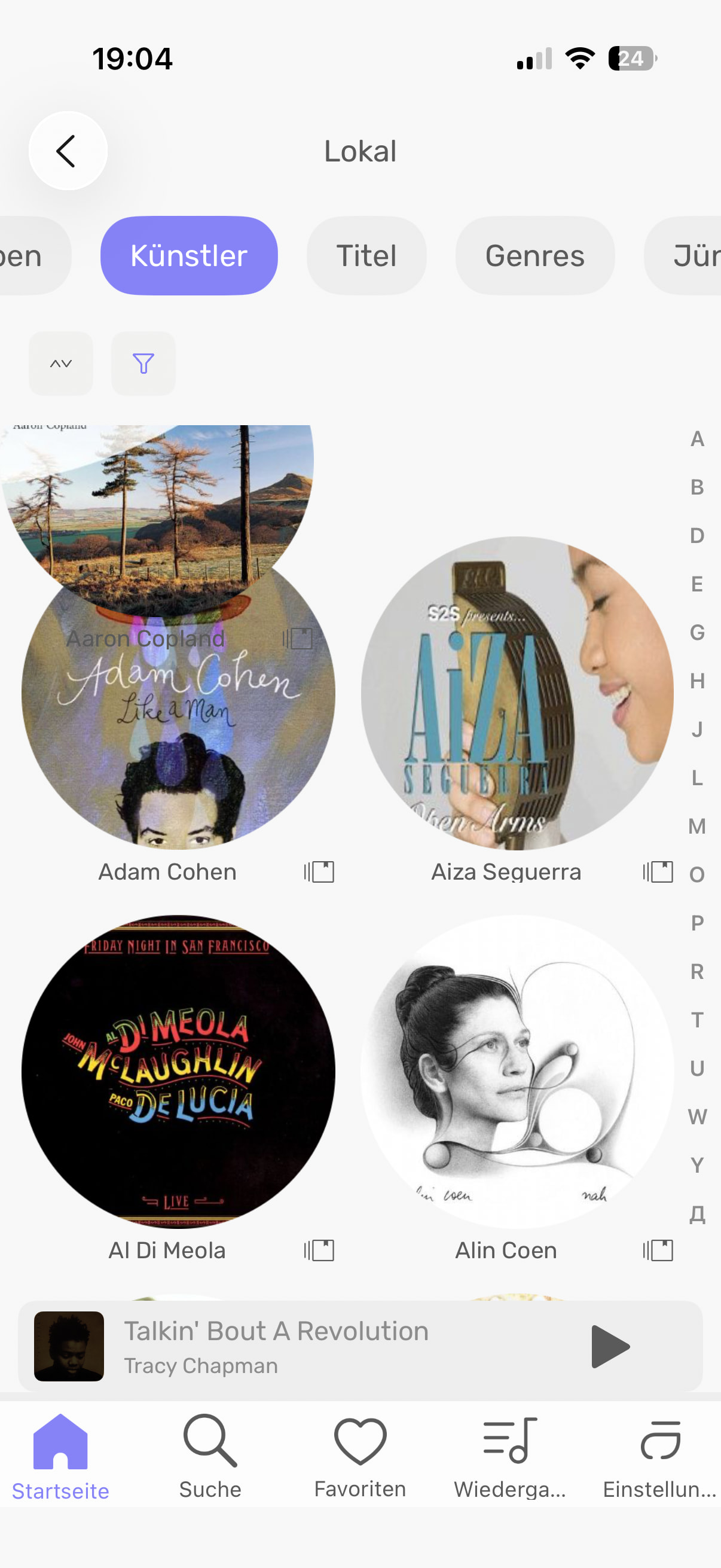
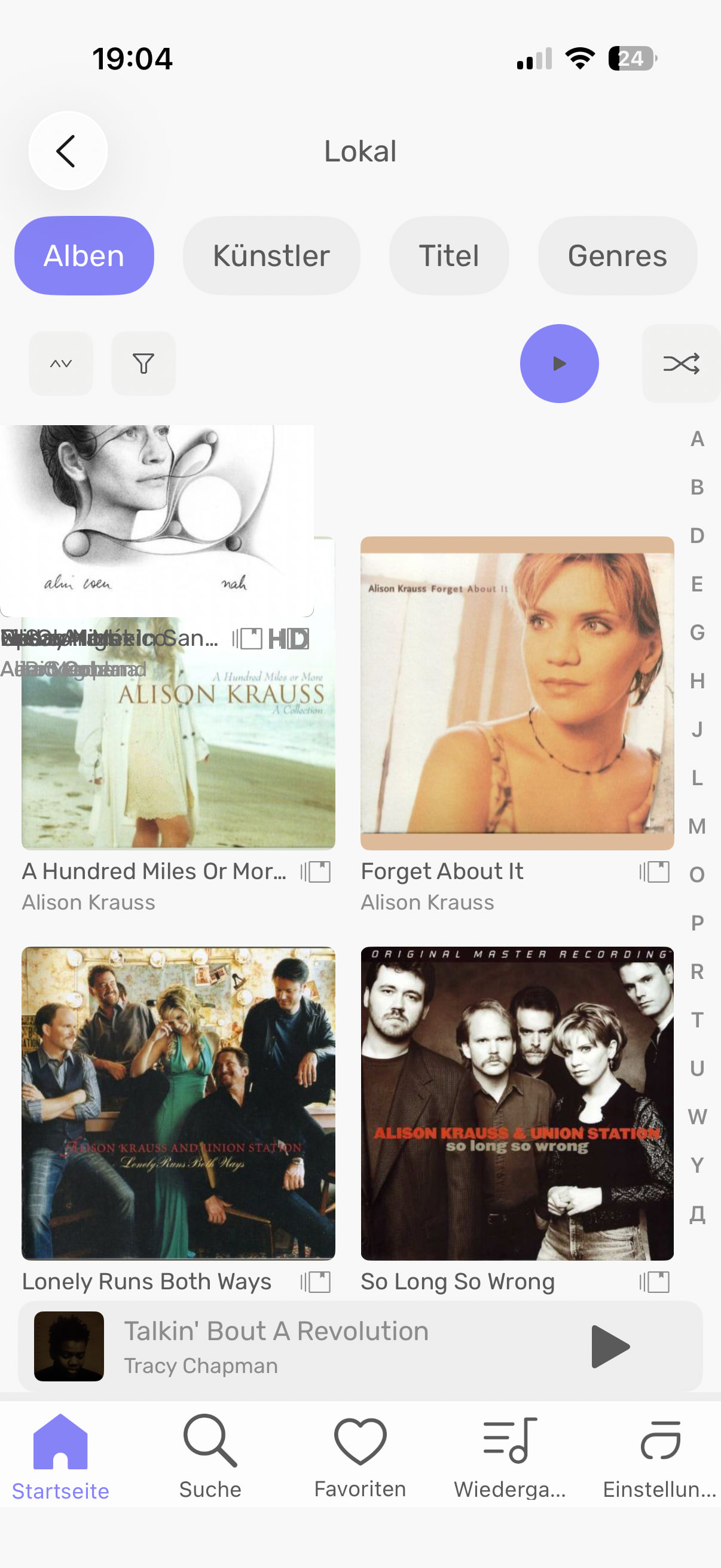
Unfortunately, scrolling through the albums still does not work properly in the iPad iOS app. It stutters, sometimes freezes, and occasionally an album is placed in the upper left corner of the display on top of the others (iPhone iOS app). Is this really so difficult to fix? For me, this is one of the main reasons why I do not want to use Audirvana.
Are you still using the beta remote or have you updated to the new release?
Are you trying to control the Audirvana 2 series, or the new 3.0 release?
The reason I ask is because I got something similar to this when trying to control the 2 series with the beta remote, so I’m wondering whether this occurs if there is a “mismatch” between the remote and app versions?
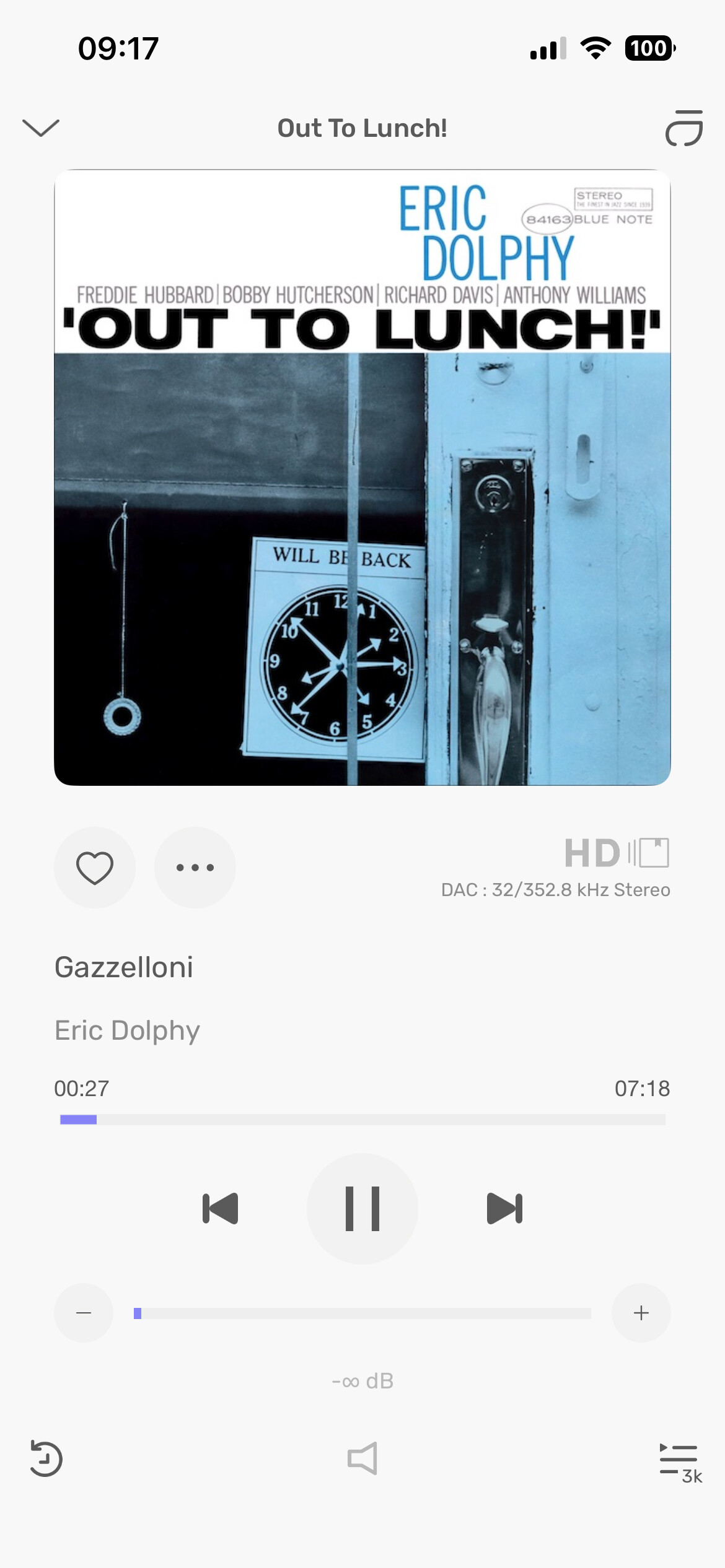
There is so much wasted space on the remote, try to fill the space instead of having to click the cover to see a second page and re-click again to see full cover… I’m pretty sure the bottom half a the remote when seeing an album can be way more optimize!!