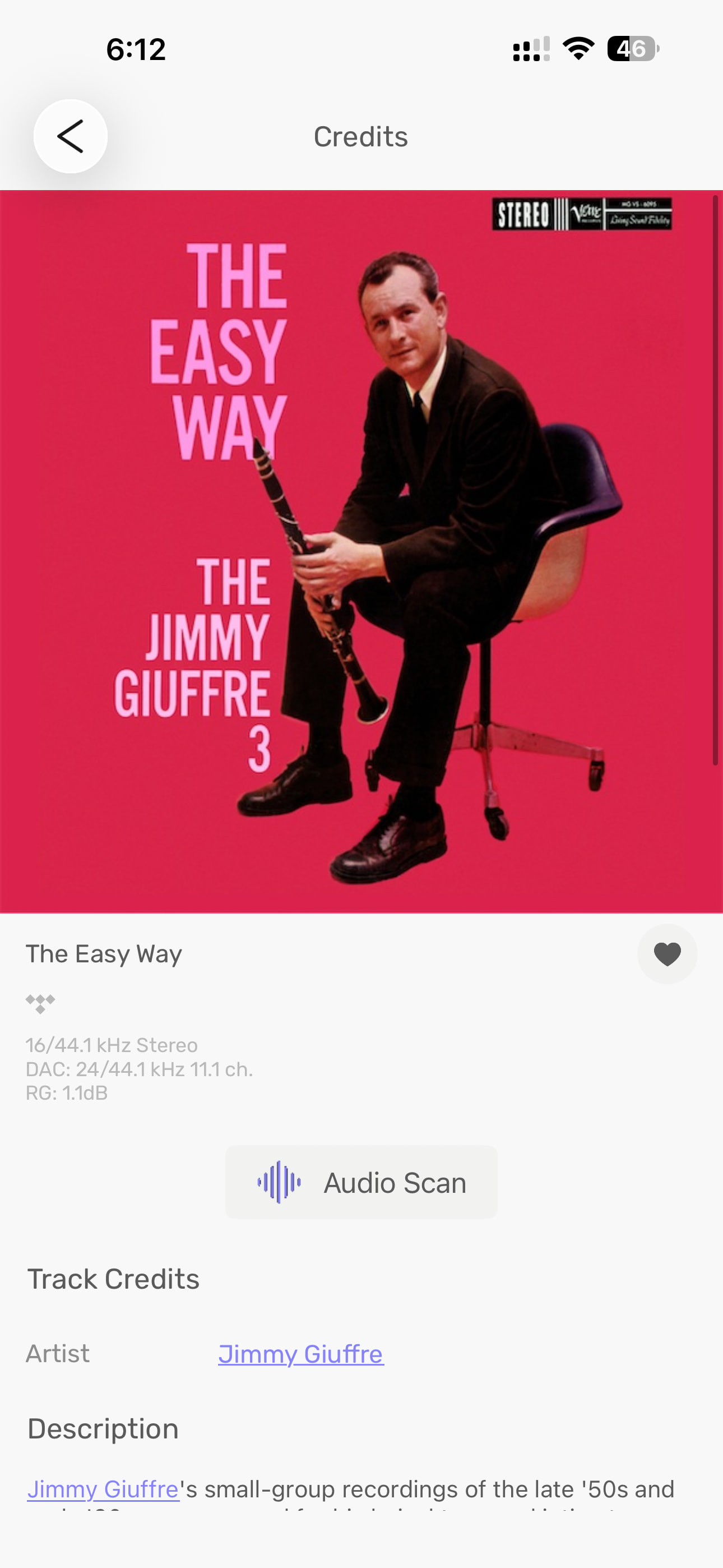
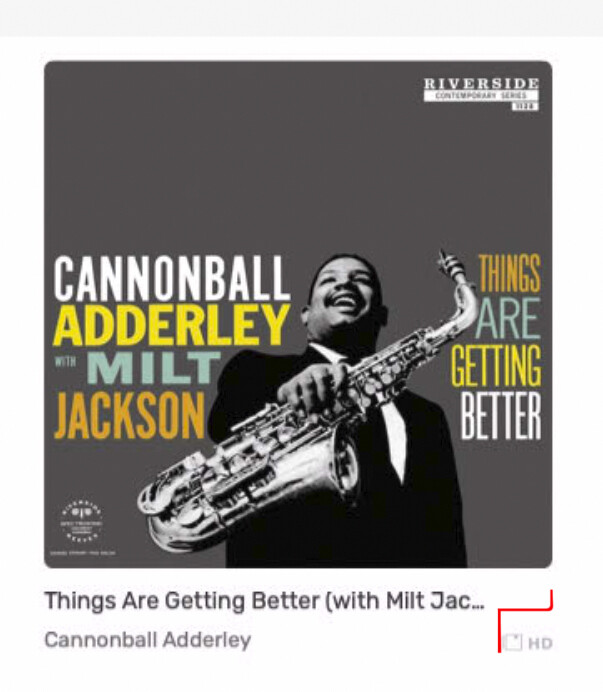
I have a couple of 16/44.1kHz AAC album files that play fine…
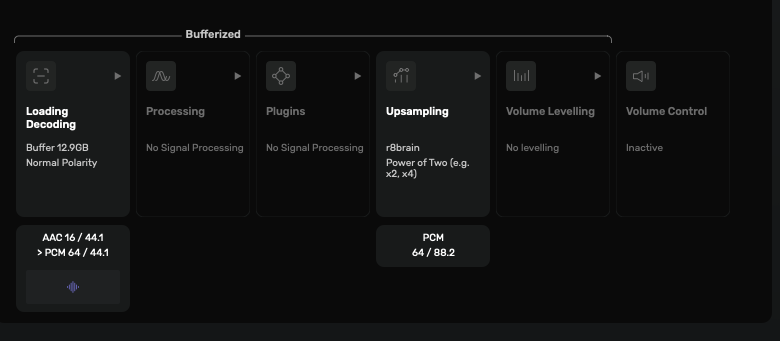


Bonjour Antoine,
J’ai transmis mon journal de mon soucis d’arrêt de lecture pendant écoute d’une playlist Qobuz.
Audirvana 3.0 will not allow me to connect to my Elac Z3. It says it will not accept uncompressed PCM. I tried switching that off, but it will not stick or something because I still cannot connect and Audirvana keeps trying to connect to other end-points. This worked so well as a beta, but no more.
Which operating system are you using when it happens? Windows, macOS, or Linux?
Windows 11. Turned off two plug-ins and the track loads and progresses through the song, but doesn’t output anything to the dac. Also noticed that the blue “dsp” lights up in the mobile app. Only does this with certain songs occasionally, not sure why.
Interesting, it’s a 16/22khz track I get when I play the album,
Can you send us a copy of the "Debug Info“ ? You can get it in Audirvana Settings>My account.
Note: When you click on the Debug Info button, Audirvana automatically copies all its content. Please paste it in response to this message.
Sorry, I was comparing Tidal vs. Quboz and my Tidal subscription is no longer active. Can no longer access the album.
Getting some first track skips using Qobuz… Seems random… Also some interesting glitches with buffering… Tracks starts buffering, pauses while Track starts, buffering continues, momentary glitch, Track continues to play as buffering finishes… This was not an issue with the previous version…
Yea, and still no resolution with Legacy Plugins issues… This was not an issue with the previous version…
There are numerous issues regarding playback with Qobuz at this moment, not only for Audirvāna. Qobuz Club, Roon and Naim communities have also mentioned these for example. Seems Qobuz is doing a cloud migration which causes all kinds of playback problems.
Don’t know of course if that’s also the issue at your side, maybe you could test with Qobuz apps if they play without issues. But even if that plays everything fine it’s no guarantee that your Audirvāna issue isn’t caused by the migration either.
Search bar is dark in remote aplication. I can’t see what’s being written.
Several people (including me) have experienced the Qobuz app playing tracks without issues, while multiple other players do not. So any testing should be done with a player other than the Qobuz app.
The problem also seems to go through phases - I, along with others, found everything to work well 2-3 days ago, but then the issue returned.
Maybe you have a point here. At the Qobuz Club I’ve read in the meanwhile that quite some users mention the problems as wel whilst using the Qobuz app. So I think it doesn’t really matter. There are issues at the side of Qobuz and apparently all partners have had message from Qobuz also by now.
Regarding your trial… This is something that @Antoine should have a look at. Guess due to Easter that will be next Tuesday earliest.
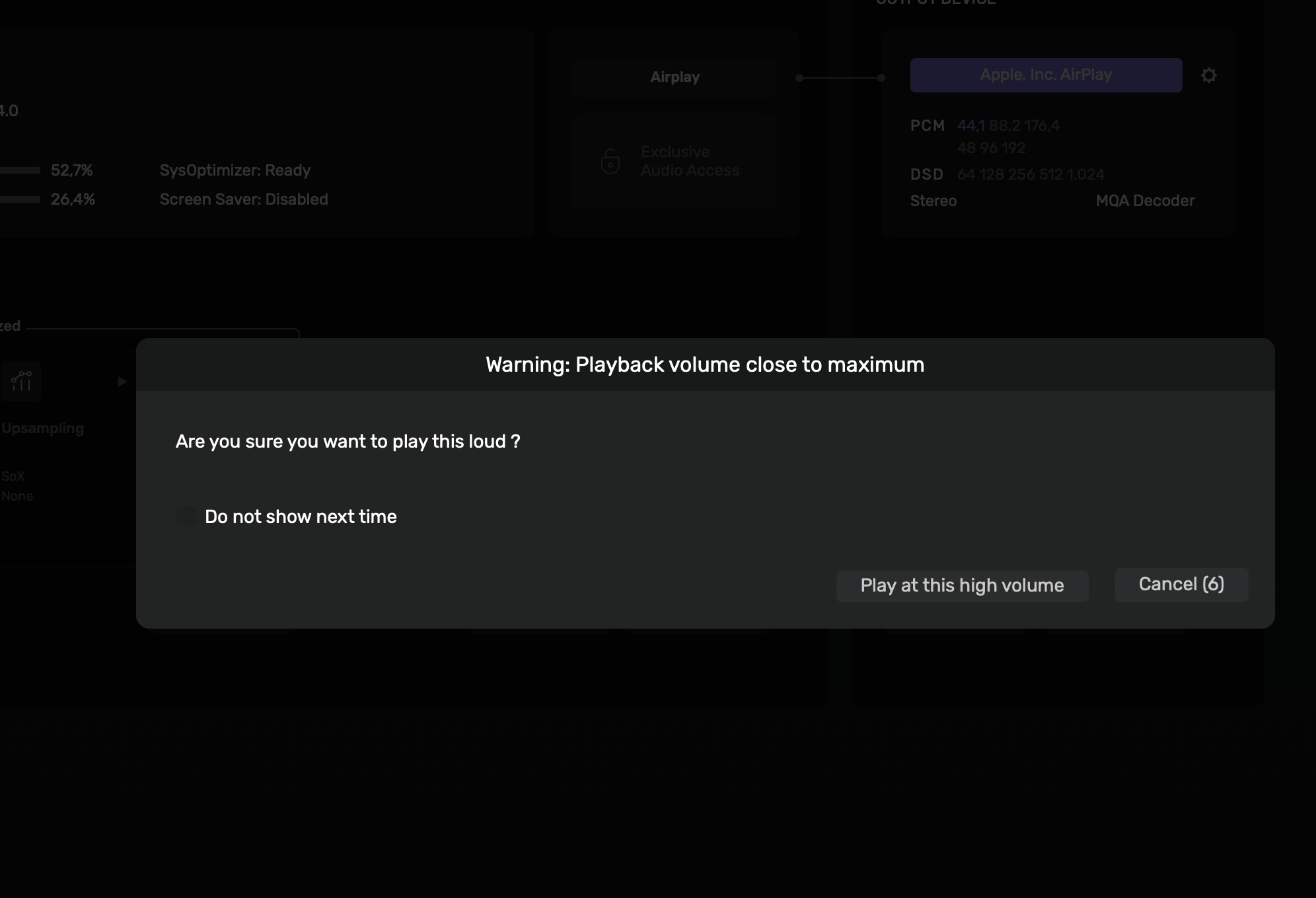
Regarding the question if you really want to play this loud… You indeed have a box when that pop up appears that you can tick there with which you can opt out for this message. It works on my end. But will test it tomorrow to see if it returns.
It always pops up, despite the fact I check the box “do not show it next time” every time 
it’s ok Tuesday, it’s not a big deal
Even if disactivated in the volume control tab, it pops up again…
Rebooted your system yet?
infinite times.
This has been happening since a while, with several version of the Beta (maybe since the beginning? I don’t remember) and also after release of 3.0 - now 3.0.1.
Curious thing: if you take a look at the attached pic, the box to tick to “do not show next time” is pretty invisible, I click it because I remember where it was in version 2.xx, when it was very visible (like in the video you posted above, for example)
I mean, I can survive with that, its not a big issue to click it every time, but it’s a kind of drag, isn’t it?