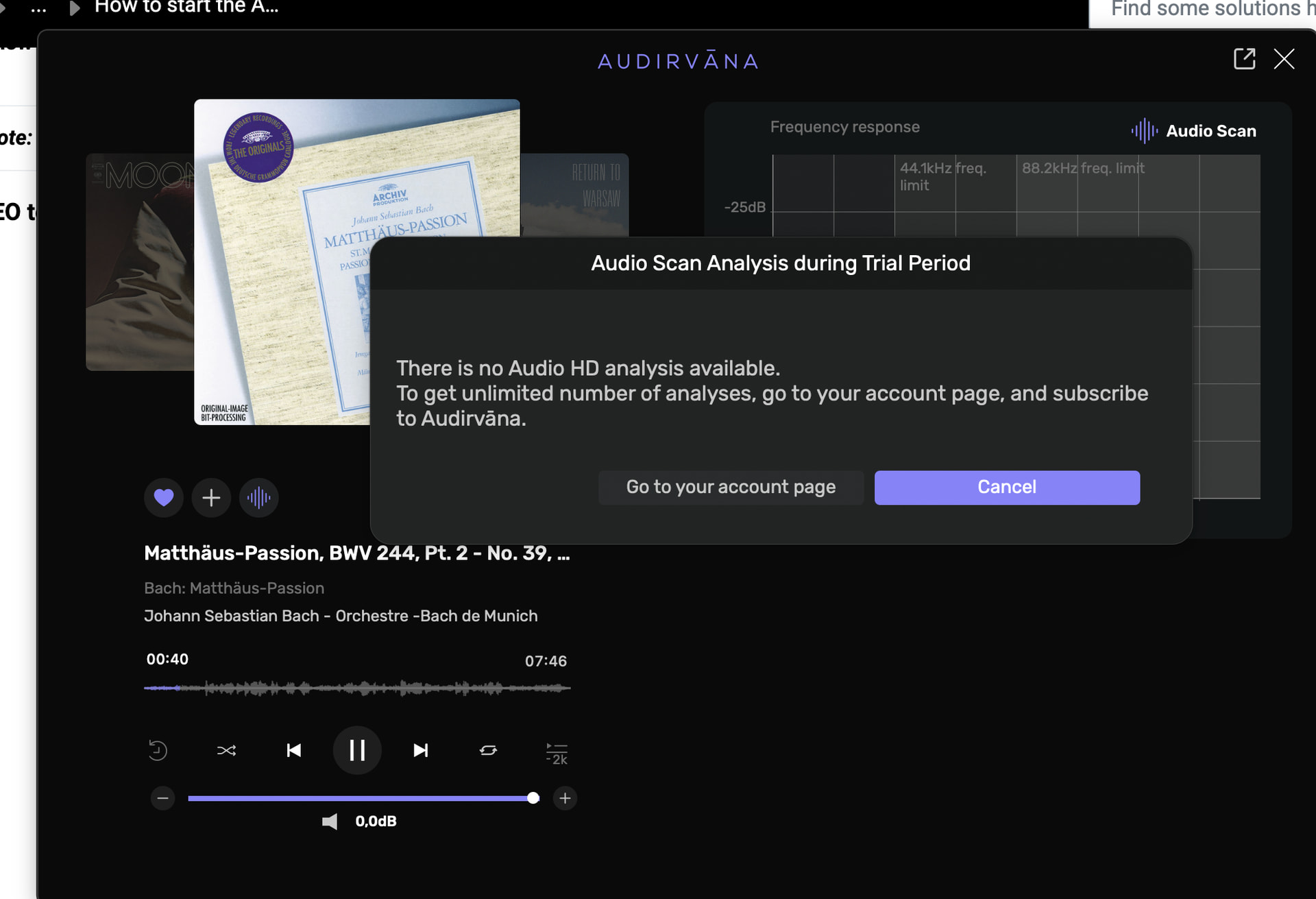
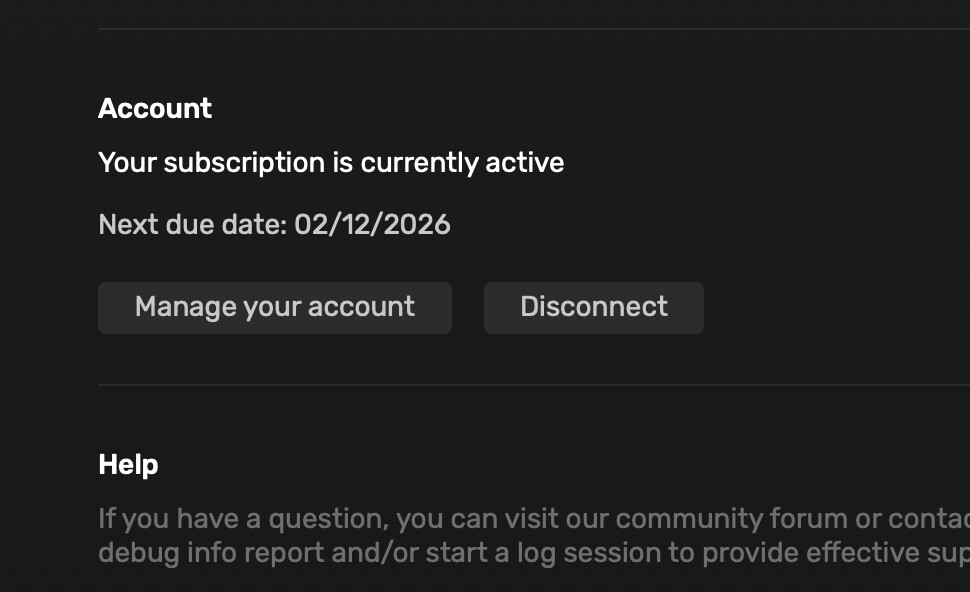
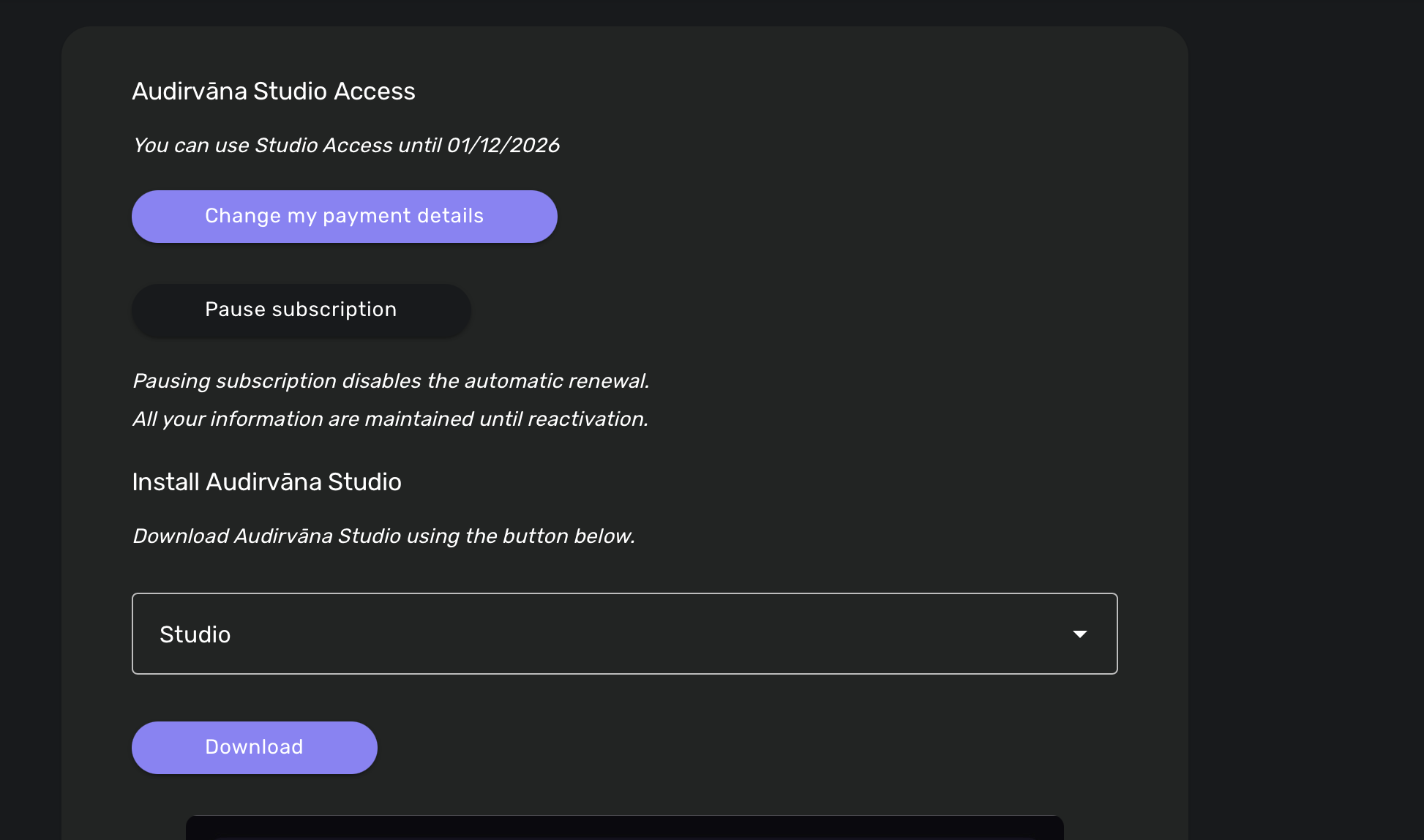
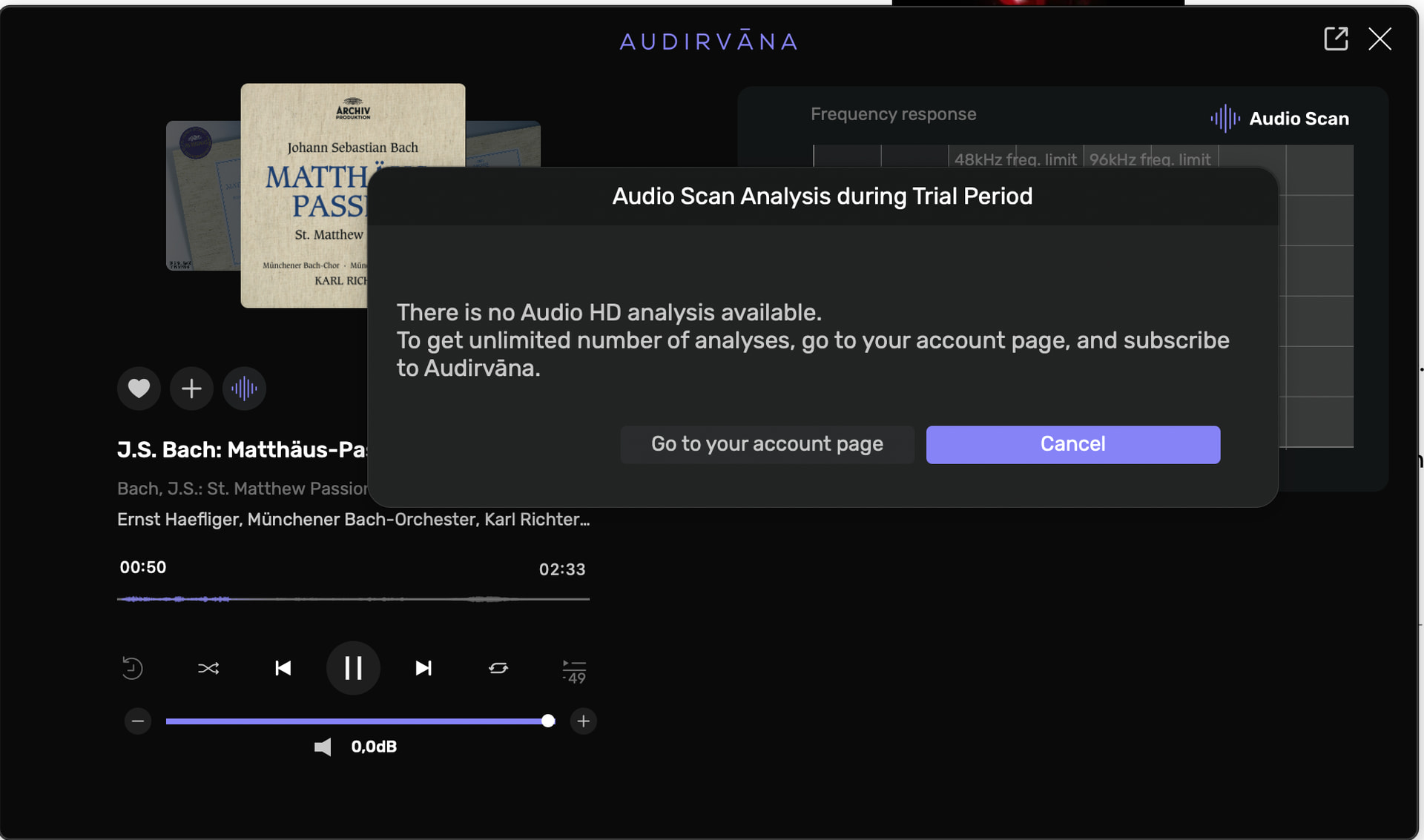
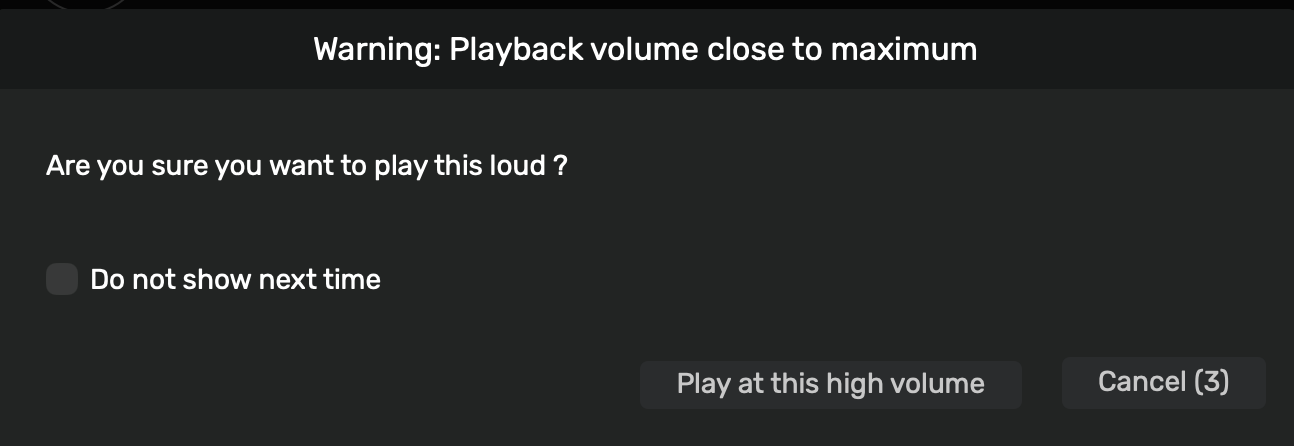
now it’s syncing…for 12-24hrs I cannot operate if I don’t want to spend the day looking at the spinning wheel…waiting 2 minutes after each click…
I have the latest version of OS Tahoe (26.4).
I usually listen to on my MacBookPro when I’m lazy, via Airplay on a Formation Wedge by B&W and its DAC when I want to hear “live” sound, or on a Hifiman HE1000 Stealth headphone via Audio GD-R27HE preamp with its R2R DAC connected USB C with MBP when I want to go Hi end, or wireless on a Hifiman Deva Pro - mini blue Himalaya R2R DAC - when I have to move in the house.
Note: This feature is only available when your device is connected via USB. When you are connected via UPnP/DLNA the large buffer creates a latency that is incompatible with this service (time lag). Which volume setting can I change in Audirvāna?
Airplay (only MacOS)
Apple has not fixed a regression since OS X 10.11 (El Capitan), which makes the AirPlay device unavailable to any application other than iTunes.
There is a workaround to get it back:
Option/alt-click on the loudspeaker icon on the menu bar.
Note: If the Sound control isn’t in the menu bar, choose Apple menu > System Settings, then click Control Center in the sidebar. (You may need to scroll down.) Click the pop-up menu next to Sound on the right, then choose whether to show Sound in the menu bar all the time or only when it’s active.
Select AirPlay in the selection menu that appears
You can then select AirPlay in Audirvana Audio Device Settings.
I have no problem with airplay, I recover it exactly the way you show here above, except that, whenever I use any other device (like Roon) it’s a bit tricky to make it work again with Audirvana, even if Roon app has been closed.
It’s one of the numerous hiccups I learned to live within this program, if I want to use its quality sound:
one I just said, another one is the extreme slowness of syncing, third is the unresponsiveness when it is busy syncing (entire minutes with the spinning wheel…)
I already discussed with Antoine of the above, without solving much, but it is what it is…
This list of posts of mine has started about why I cannot cancel forever the tab asking me: are you sure to play this loud? (which is the least important of all the above issues) and I still cannot
Thank you for taking your time to reply me anyway.
Hi @Antoine, I am just starting to browse this thread and wondered something.When I subscribed to Studio the other week I got a message a few days later saying version 3 was available, I was also notified that version 3.0.1.0 was available which I did. Im just curious as to why that version is not being discussed as much, or is there not that much of a change to that of version 3.0? I also note that its advised not to uninstall to revert back to version 2 as you can risk losing the local favourites and playlists. I have been able to save the Audirvana.audirvana_bck file from within the programme, is that still not a guarantee you can then load it back in to version 2 if you wanted to do a rollback?
The same notice says 3.0.1’s main change is to fix streaming from the HRA service, and characterizes other changes as minor, so unless you’re an HRA subscriber there very likely isn’t much difference.
strange, I didn’t change anything about color settings and I do not have the same impression when I look at the screenshots Agoldnear posted, they look the same than mine.
Tonight on my Mac I’ll try and disconnect/reconnect. Now I am at work on another Windows PC


 > System Settings, then click Control Center
  in the sidebar. (You may need to scroll down.) Click the pop-up menu next to Sound on the right, then choose whether to show Sound in the menu bar all the time or only when it’s active.