In my case using a Mac it did finish analyzing and also modified about 70-80% of tracks from each album.
Confirmed via last modified date and tag editors.
1 Like
Nope, There is a Audio Signal Analysis option which can be started. At no time in the process did it make me aware that doing so would write the information INTO my files. I assume that it, like other players, that information would be kept in the database.
Is there a way to remove this musicbrainz ID in a batch with a software ?
The problem is I use an external editor to fix or add metadata if needed when adding new files to a Master Drive. I then use SuperDuper to copy and update just the changes from the master to my working drive that Audirvāna uses so both drives match. Therefore every time I add new files to the working drive, the metadata that Audirvāna is adding is deleted. So the audio file analyzing starts all over again every time. And there is no way I am going to copy audirvana’s additions back to my master drive. This is disappointing and possibly a deal breaker.
Because restoring a back up is painful, I have 4Tb drive with 300 g spare, I had to do it manually a folder at a time rather than using my sync software
To restore so much needs an almost equal amount of empty disc space
It took me hours 
1 Like
Adding anything to files is contentious, as it happens the tag being written is not harmful, it’s simply a pointer to additional data but it’s the principle
I just saw file modification dates changing, Roon reimporting files without knowing what was happening. For convenience I did that overnight
I didn’t but could have screwed my entire library. Of course I have BU but I shouldn’t need to restore 4Tb of data because some software screwed it
It’s off and stays off
3 Likes
Same here : off till further clear information
1 Like
I’ll agree that a process like this shouldn’t start automatically. Even though the addition of the MusicBrainz tag is fairly harmless, and probably done to mark the file as processed, Audirvana should have informed the user that this will happen and present the dialog to allow the user to confirm that that’s what he wants.
I managed to stop the process when I installed the beta but I don’t recall how exactly. What I remember is that I clicked around a bit, also disabled the waveform progress bar. It has not returned since, and as I was quick, no files ware tagged.
I stopped it because I wanted to go straight into listening and testing and didn’t want to wait for the analysis to finish. Don’t mind the tag, it’s not a big deal. I have a backup of my content anyway and one tag is easy to bulk remove with external tools.
1 Like
I agree the tag is probably mostly harmless. But I have nearly 4 TB of files which need to go through one totally unnecessary backup cycle for a feature I didn’t want and did not ask for.
The original files should not be touched without the users explicit agreement. That’s what the library is for. Full stop.
I cleaned up my files last night. The files for which I had the Musicbrainz_trackid tag pre-populated also had the musicbrainz_albumid tag pre-populated. with the help of mp3tag I identified all files where the Musicbrainz_trackid tag was populated but the musicbrainz_albumid tag was not populated. I removed the Musicbrainz_trackid for those files — you can do it en masse with mp3tag. Unfortunately, the last modified dates for the modified files have not been reset.
Just a note. because of the modified files – that caused Roon to resync. And, of course, modifying files has implications for automated backups. I am done with Studio for now.
1 Like
I don’t have mp3tag. I have Yate.
I checked some modified tracks, but I can not find neither “musicbrainz_albumid” tag nor “Musicbrainz_trackid” tag. Yate does not seem to recognize those Musicbrainz tags.
Do you have an idea what should I do to make Yate show them?
is there a way to view “extended” tags in Yate? Can you customize columns (for viewing) in Yate? I have no experience with Yate.
Note: Most people would not have MusicBrainz tags pre-populated . So you only need to look for the musicbrainz_trackid tag.
Yes, I can customize the columns.
In this screenshot, you see DSF files of a SACD that were modified yesterday. Yet offers me the possibility to customize the columns and to add dozens of tags.
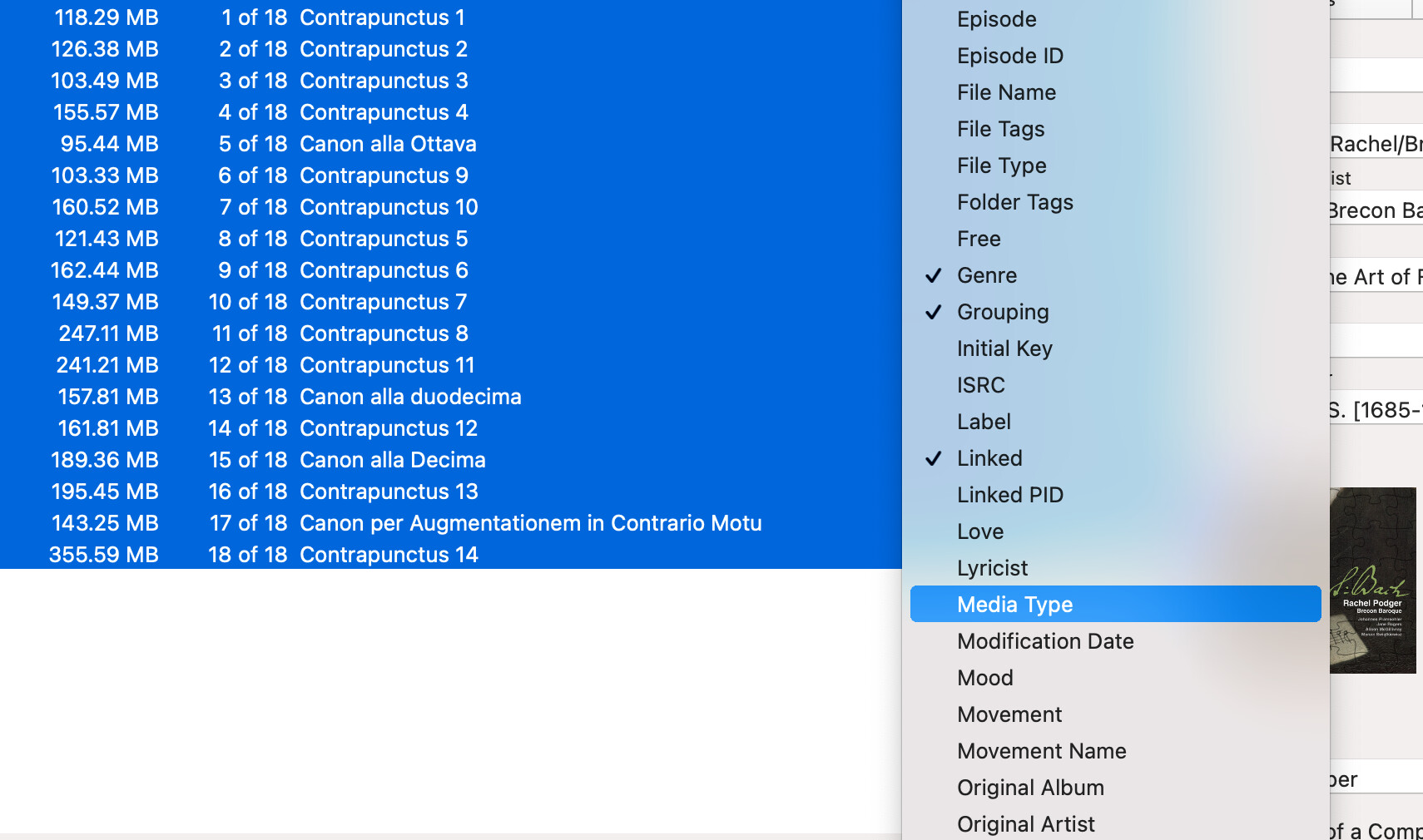
But as you can see there are no tags named “MusicBrainz”.
Is there no option to define new tags for a customized column?
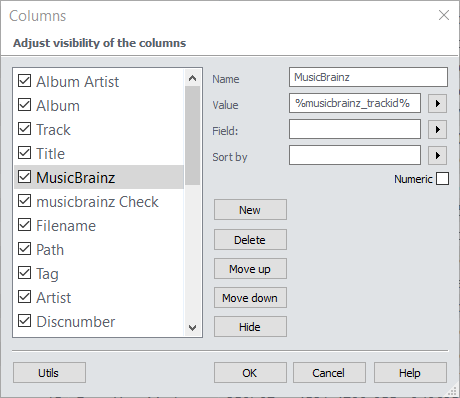
No, I don’t see such option.
In your screenshot, you have a MusicBrainz option among other tags. Does mp3tag offers this option always? I mean, do you get it for all your tracks, even for tracks that were never loaded to Audirvana Studio?
Yate offers a “MusicBrainz Wizard” option.
I guess I can do to my tracks what AS did while analyzing them. But I don’t manage to see tags that are named “MusicBrainz” with this software.

No, mp3tag does not offer this option out of the box, I created it. Once I set this column up I can easily see that tag for all files. Mp3tag also has a way to view all “extended” tags for any specific file.
Maybe Yate allows also to create such option, and that I don’t know how to do it.
It’s a very complex application with many features and I use maybe only 20% of them.
But it won’t save anything to my tracks by itself as AS did.
I think the Discogs Wizard and Musicbrainz Wizard are for Yate to look up information in these respective databases to help you populate tags.
Exactly.
I used them for some vinyls that I ripped.
EDIT:
Yate does not check the sound signature ID of the files.